Click here to learn more about Beat The Peak
Report An Outage

Report and manage power outages quickly with Withlacoochee Electric Cooperative.

Check your area on our outage map, use our mobile app, or text "OUT" to (855) 938-3431. Stay informed with real-time notifications and guidance to protect your equipment while we restore power safely and efficiently.

Image
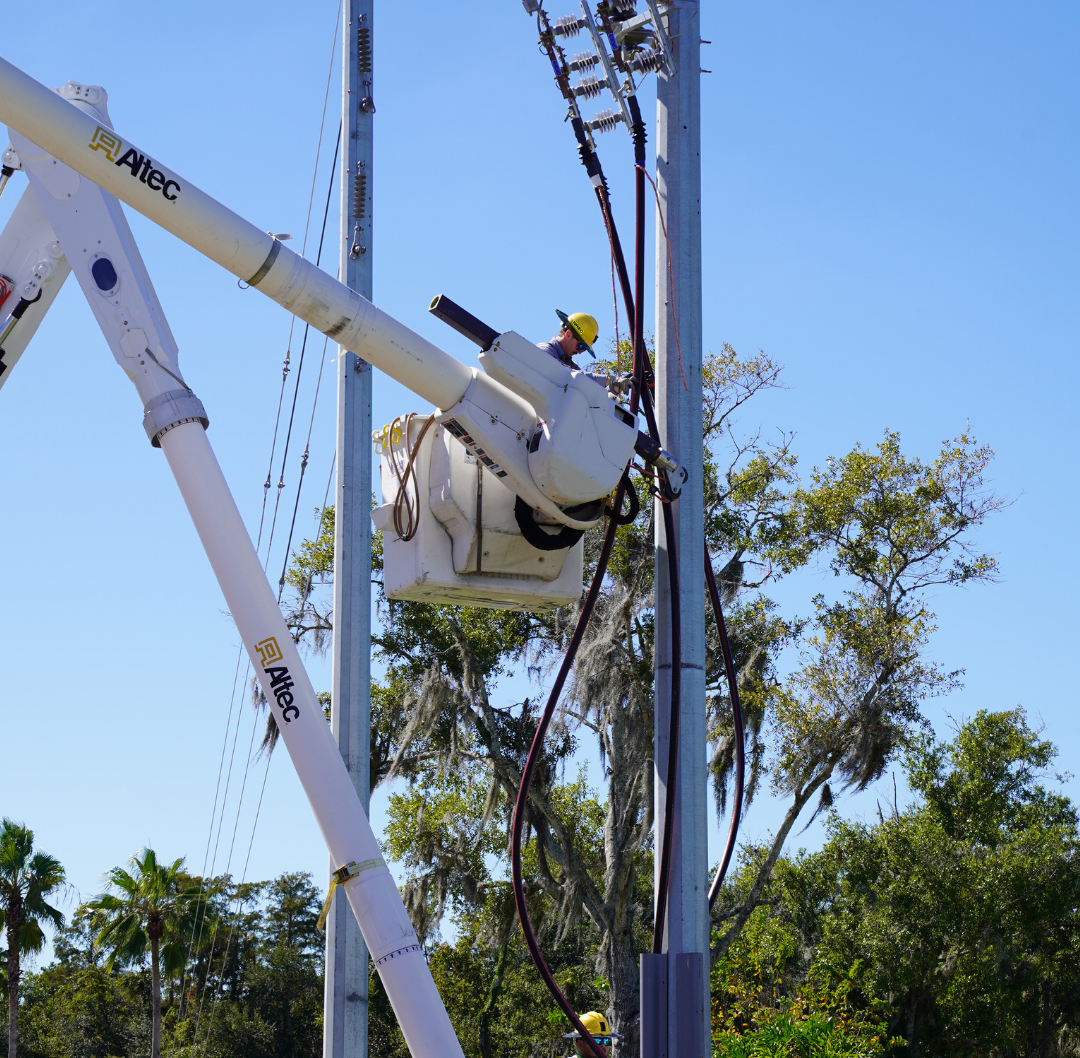
Linemen Working


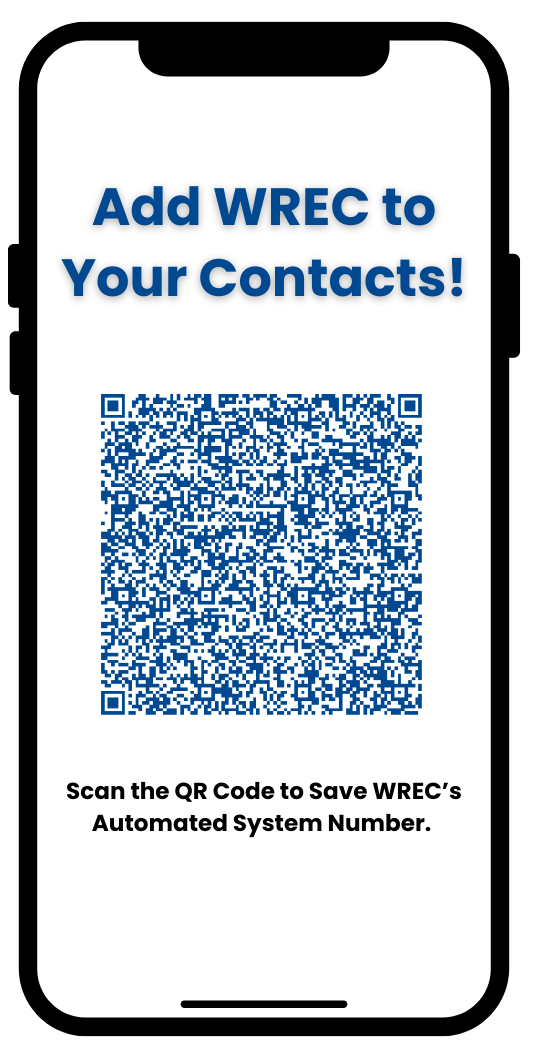
Save WREC’s contact information by scanning the QR code. With our number saved, you can quickly text “OUT” to report a power outage. It’s a simple way to stay prepared and connected.

Image
Contact QR Code


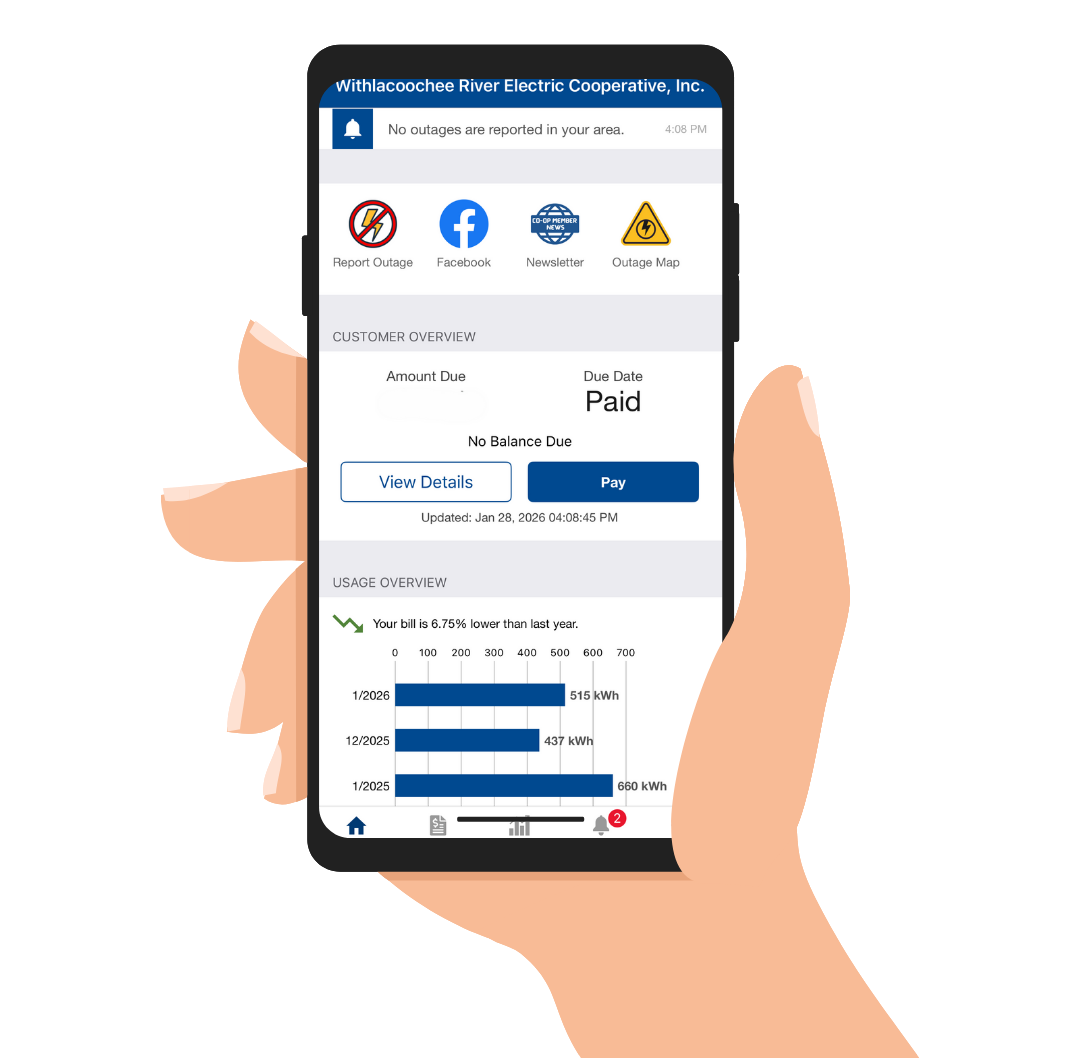
Members can quickly and effortlessly report outages by logging into the WREC Mobile App and clicking on the "Report Outage" icon at the top of the home screen. 

Image
mobile app

If Your Lights Go Out

  1. Check with your neighbors to see if they have electricity.    
     
  2. Check your main breaker to ensure a fuse has not flipped.
     
  3. Check WREC’s outage map here to see if your area is listed with an outage. If it is not showing, report the outage through the WREC mobile app or by logging into your account here. You can also text "OUT" from your mobile device to "(855) 938-3431" , as long as your cell phone is associated to your WREC account.
     
  4. Turn off sensitive equipment such as televisions, gaming consoles and refrigerators. Once the power has been restored you may turn these items back on. Please remember it’s your responsibility to protect your items by installing a surge protector.   

Withlacoochee River Electric strives to provide safe, affordable and resilient power. However there are uncontrollable situations that can damage lines such as bad weather, equipment malfunctions, car accidents and damaged lines. No matter the cause of an outage we understand that it is an inconvenience to our Members and we will work as quickly and safely as possible to restore power to your home or business. You can sign up for outage notifications through text or email by logging into your WREC account and selecting settings and choosing which notifications you would like to be enrolled in. These include notifying you when there is an outage, and update on the outage and when it is restored.

To report an outage we recommend using our WREC mobile app or by logging into your WREC account through here. If your cell phone number is associated to your WREC account you can also report outages by texting "OUT" to (855) 938-3431. You may also call (352) 567-5133 or your local district office to report outages.